
The National Council for Curriculum and Assessment (NaCCA) has implemented a QR code system to facilitate easy verification of the approval status of instructional resources (textbooks and other supplementary materials) used for teaching and learning. This initiative ensures that only approved instructional materials are used in schools. It aims to enhance the quality of education by enabling stakeholders (teachers, parents, learners, and publishers) to verify the authenticity of all instructional materials at no cost.
• ID: A unique identifier number for each approved book.
• Title: The official title of the instructional material.
• Subject/Category and Grade Level: The subject or category (e.g., reader, manipulative) and the educational level the material is intended for.
• Author/Publisher: Information about the authors and publishers of the material.
• Approval Year: The year the material was approved by NaCCA.
• Book Cover: An image of the material for easy identification (e.g., the cover page for a book).” icon_fontawesome=”fa fa-book” add_shadow=”yes”]
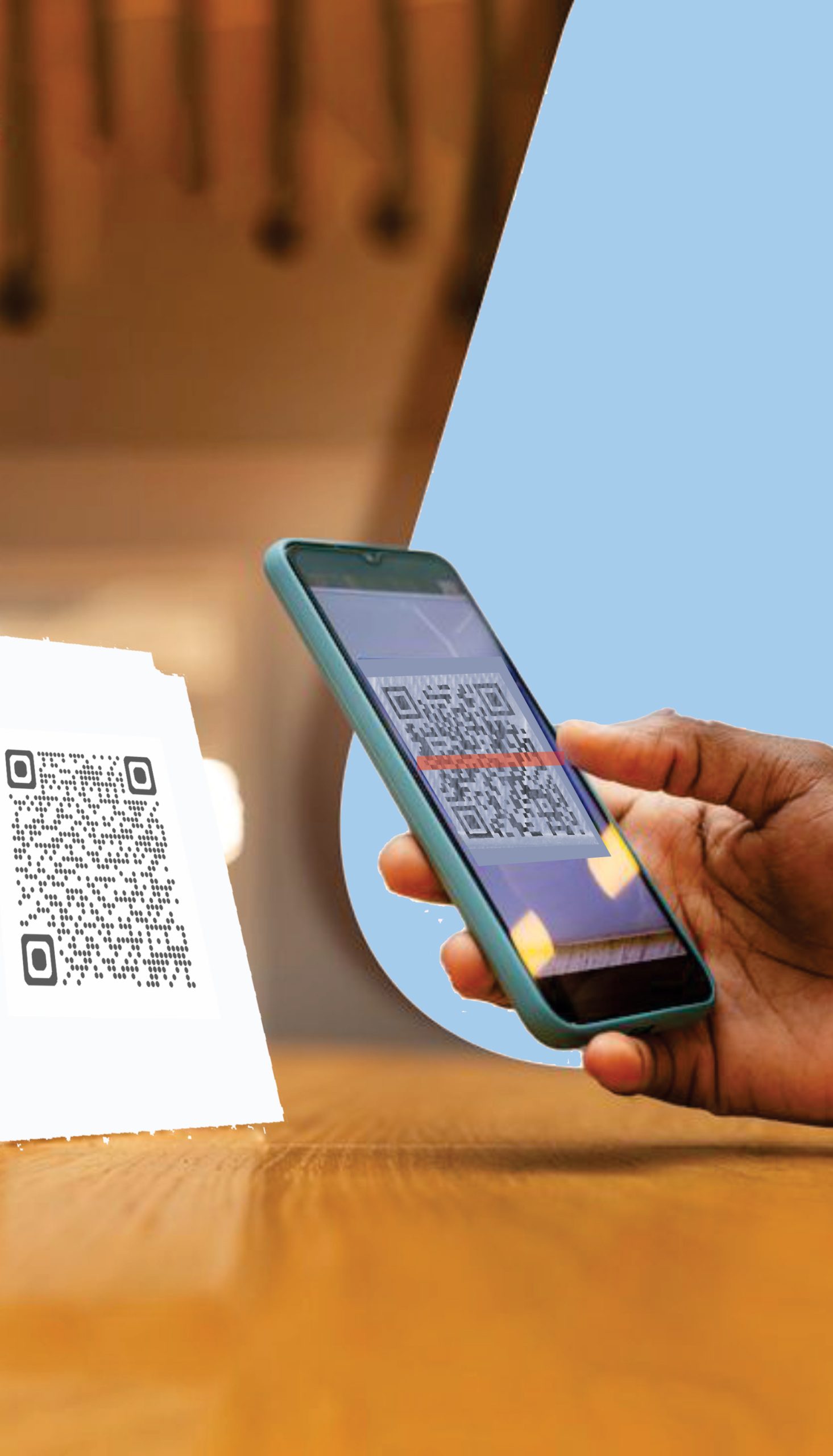
Anyone (teachers, parents, learners, or the general public) can use a smartphone to scan the QR code printed on the cover of an approved book to verify its status.
Here’s how:
- Find the QR Code
Look for the QR code printed on the book’s cover page. - Use a Phone to Scan
Open your phone’s camera or a QR scanner app to scan the code. - View the Verification Details
After scanning, the screen will display
“✅ NaCCA APPROVED” along with the following key information:
-
✅ Book Title
-
✅ Subject
-
✅ Grade
-
✅ Name of Publisher
-
✅ Year of Approval
-
✅ Unique NaCCA Book ID
-
✅ Cover Image of the Book
The QR code verification system serves several critical purposes:
- Prevents Use of Unapproved Materials: Helps detect and eliminate unapproved educational resources.
- Empowers Stakeholders: Allows teachers, parents, and learners to make informed decisions.
—————————
[smartslider3 slider=”28″]